l337h4xx
While waiting for an answer from an ethics review board about my proposed research for the coming term, I’ve been on a hard certification binge. My latest target is Microsoft Elevate Educator Explorer certification, because I am determined to be the only person in all of Thailand to know what OneNote is, and that MS officially named private/public parts of Teams “Me Space” and “We Space”.
Tucked inside of a lesson called “Build cybersecurity resilience in K-12 classrooms with Microsoft tools” is this gem:
One way is to choose a phrase, sentence, quote, or lyric that is meaningful to you but unknown to someone else, then change the characters. Follow these steps to create a strong password:
- Find a memorable phrase: A fan of the band Bon Jovi might love the song, Livin’ on a Prayer, which includes the line: Tommy used to work on the docks. This can be the starting point for a password, but it isn’t secure in its current form. Notice that the lyric is long–about 31 characters including spaces.
- Remove spaces: Take out the spaces in the phrase. For example: Tommyusedtoworkonthedocks. You can also replace spaces with hyphens (-) or underscores (_) between the words. For example: Tommy_used_to_work_on_the_docks
- Add uppercase letter(s): Replace at least one of the characters with an uppercase letter. For example: TommyusedtoworkontheDocks.
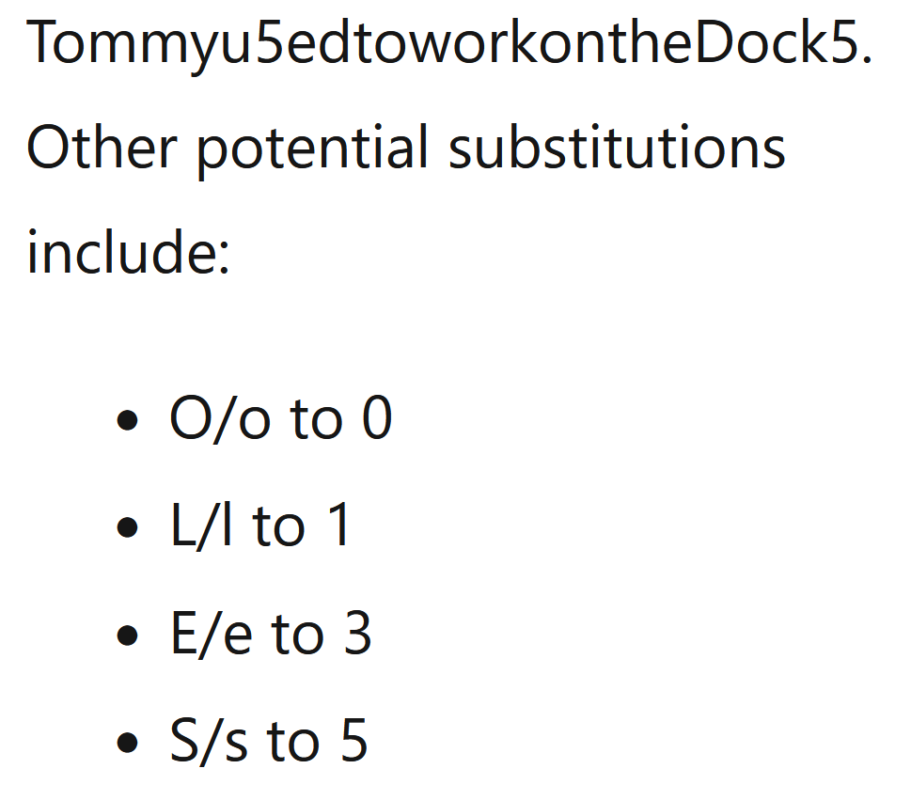
- Add number(s): An easy way to add numbers to a password is to replace letters with numbers that are visually similar. For example: Tommyu5edtoworkontheDock5. Other potential substitutions include:
- O/o to 0
- L/l to 1
- E/e to 3
- S/s to 5
- Add special character(s): Using a phrase like a lyric makes it easy to add a special character like a punctuation mark or use special characters to replace letters (like the @ sign instead of a). For example: Tommyu5edtoworkontheDock5!
How the hell did they know my password?